- Click the Forgot Password link from the Online Registration page.
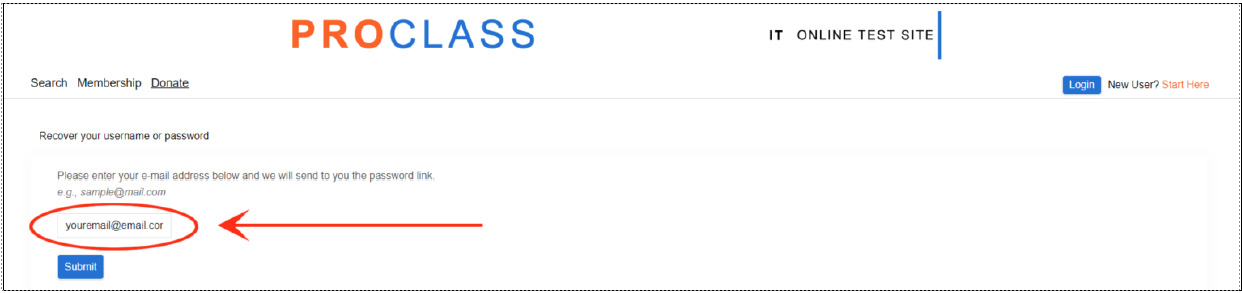
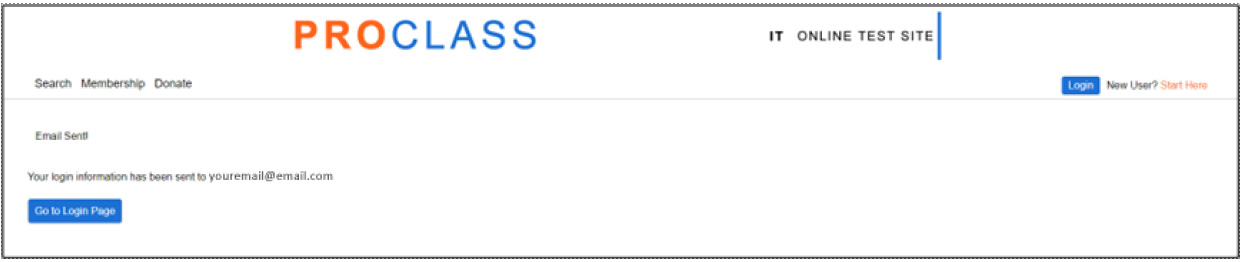
In the Recover your username or password page, enter the e-mail address you have in the system then click the Submit button. And the system will automatically send you the Reset Password Email. Note: If email has not been received after 10 minutes, please check your Spam or Junk folder.
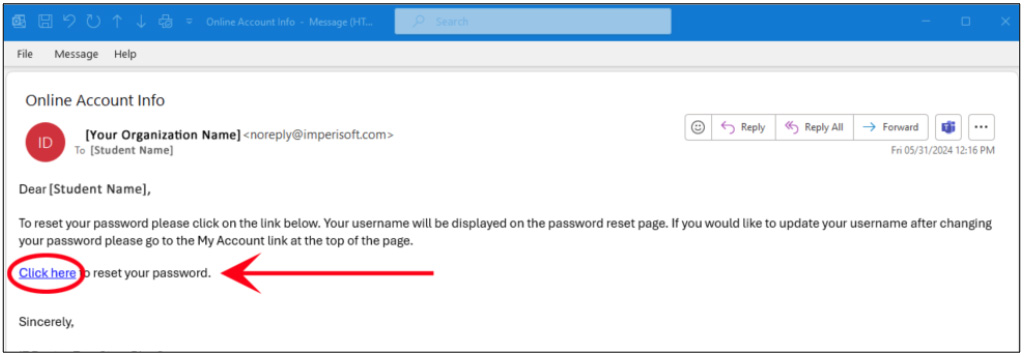
- Once you receive the Reset Password Email, read the message, and click the link to reset your password. Note: The reset password link expires after 30 minutes and right after you reset your password successfully.
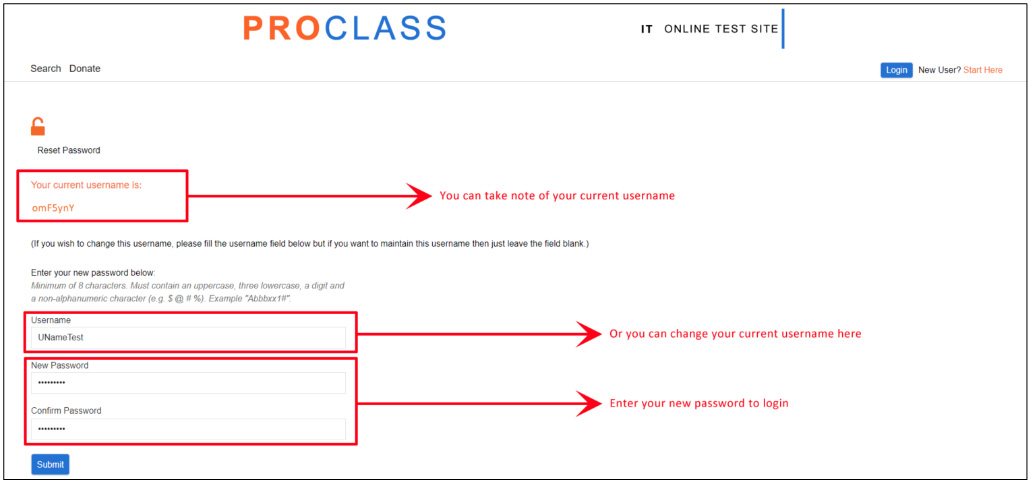
- After clicking the link, the Reset Password page will open. If you just want to retrieve your Username, you can skip the Reset Password part. And just copy your Username.
- Then click the Submit button, and you will be logged into your Account.